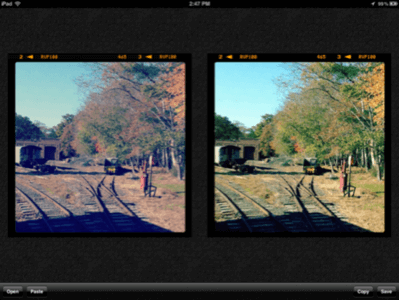
(Editor’s note: This post was originally published by our partners at GeekSugar.com.) Have you ever been hit by filtered photo regret? You took a memorable photo, but a hasty filter decision left you with an image too vintage and dreamlike.

The Normalize app for iOS ($1) lets you revert your once-oversaturated photos back to their original levels.
Take back the natural look of vacation photos with a quick run through the app. Even handier is that Normalize also doubles as a run-of-the-mill photo enhancer, so when a picture comes out too dark or the white balance is off, the app works double duty to transform the image.
Are there any Instagrammed or filtered photos you’d like to revisit in their original state?
More from GeekSugar: