Widgets (aka gadgets, modules) are mini web apps that you can plug in to a
webpage or site such as MySpace, or a personalized start page like Netvibes or live.com.
Widgets are becoming more and more important on the Web, so I thought I’d spend a few
posts looking more closely at them.
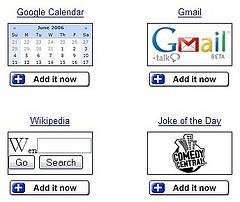
Let’s start with Google widgets,
which they used to call modules but are now calling gadgets (curiously, a case where
Google has copied Microsoft). Google offers two types of gadgets:
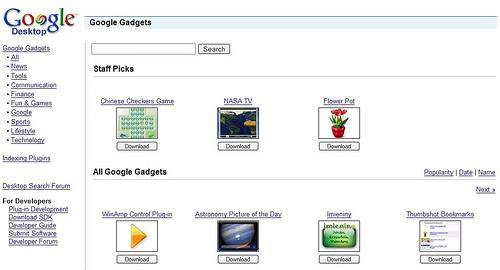
1) Desktop plug-ins – for the Google
Desktop. Much like Yahoo’s Konfabulator widget platform and Apple Dashboard.
2) Personalized Homepage gadgets.
Google has gradually increased the number of widgets in their directory, but there are
third party sites that offer a great selection too – e.g. here and here.
Google gadgets can also run in Google Pages,
their webpage-editing tool.
To develop gadgets for the Google platform, use the Google Gadgets API – which Google claims
is “so easy to use that you can develop your first gadget in 5 minutes”. They also say
it’s easy to turn existing web content into a gadget.
The main difference between Google’s and Microsoft’s gadgets is that Google takes a
web-centric approach, whereas Microsoft gadgets will utilize both desktop and web. I’ll
look more closely at Microsoft’s gadgets in my next widgets post.