It’s not easy to migrate to Windows 7 from Windows XP. Core incompatibilities just make it inherently difficult.

In the next year, it is likely that the enterprise will face the challenges of this migration, especially as new work stations are purchased.
The challenge is compounded by the fact that Microsoft does not offer a clear migration path to Windows 7. Further, a number of legacy applications will not work in Windows 7, no matter how well the software is moved.
Virtualization software such as ZInstall can make the process of switching to Windows 7 a bit easier.
ZInstall offers two “TV stations,” meaning the company uses virtualization so the user may see both Windows 7 and Windows XP on the desktop. This gives the user the ability to move to Windows 7 at their own pace.
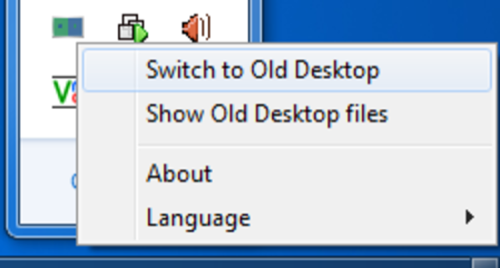
ZInstall migrates all applications, settings and files from the old system to the new one, with no reinstalls.
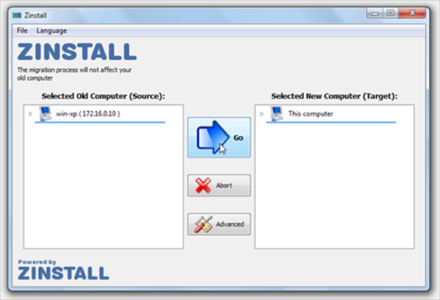
The virtualization technology means every application works on Windows 7 just like on Windows XP.
ZInstall supports two main scenarios:
- Migration between two personal computers from one with Windows XP to a new one with Windows 7.
- Migration to Windows 7 on an existing personal computer.
Virtualization is proving to be highly popular in the enterprise. Companies such as Citrix and VMWare are making small fortunes selling virtualization technologies. ZInstall is banking on this trend with its virtualization technology designed to take the headache out of switching from Windows XP to Windows 7.