The Call of Duty franchise is no stranger to errors, with most players receiving some form of notice that they won’t be able to load a game up.
With the Black Ops 6 Beta, as you’d expect, dev errors are rearing their ugly head once more, preventing some from being able to access the limited time experience.
Dev error 10493 is one that is being reported quite frequently and here we’ll reveal all we know about it, as well as some possible fixes.
What is the Black Ops 6 Beta dev error 10493?
The Black Ops 6 Beta dev error 10493 is mainly popping up on PC but console users, especially those on Xbox have also been experiencing the game breaking glitch.
Along with the dev error notification, it is also described as a ‘Sys_Error’ which relates to the actual game files installed on your machine.
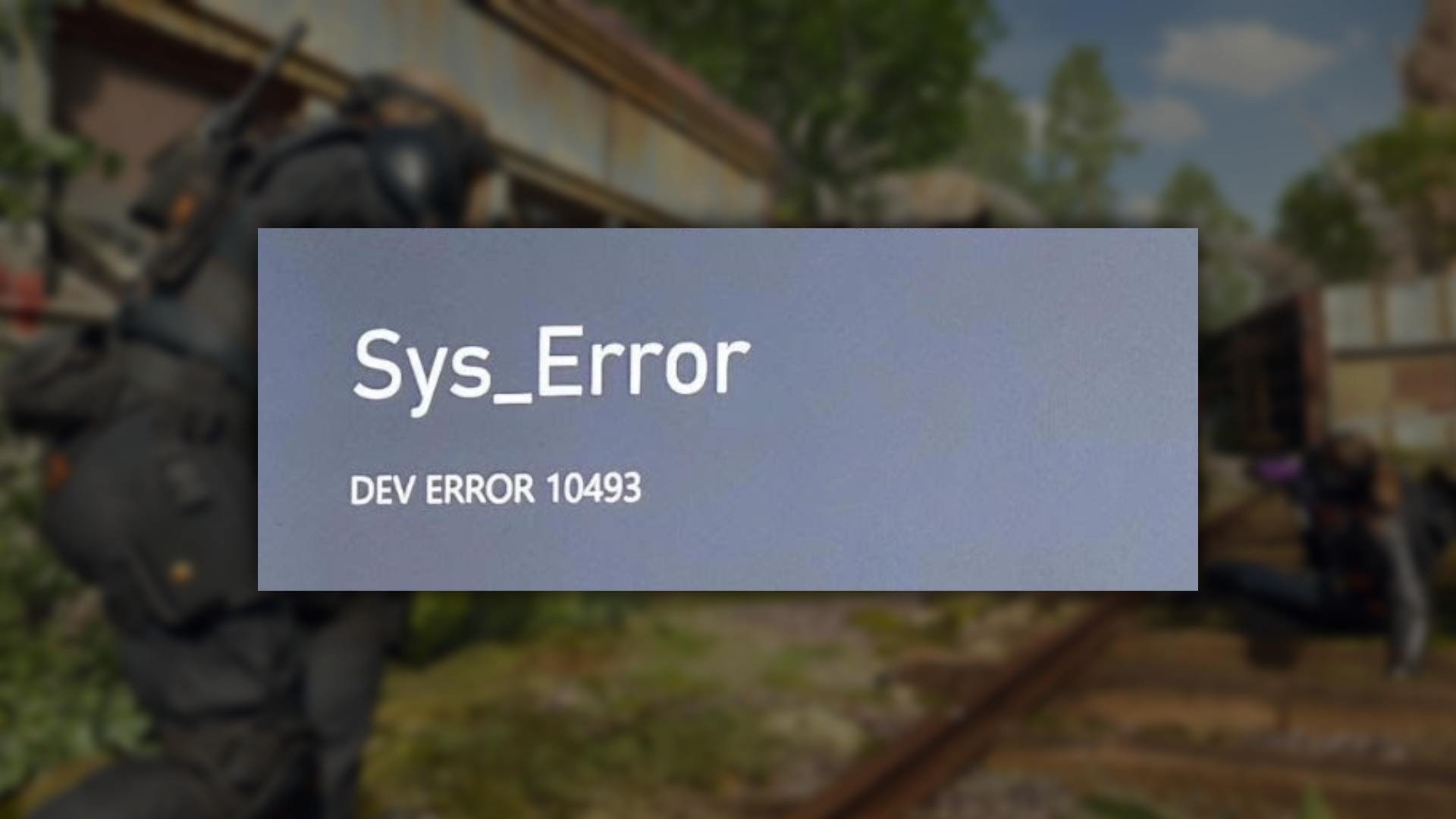
To put it plainly, if you’re getting this dev error, some of your game files have either been corrupted or deleted, meaning you will not be able to play it until you fix the issue.
How to fix Black Ops 6 Beta dev error 10493
Fixing the Black Ops 6 Beta dev error 10493 is actually a pretty simple task but if you haven’t messed around with game files before, you may feel apprehensive.
If you’re on PC, open your Steam client and right click on Black Ops 6 in your library.
Hit the ‘Properties and Installed Files option and then ‘Verify integrity of game files’ which should prompt you to re-download any corrupted files.
Do so, then re-launch the game, and the dev error should be no more.
Now, if you’re playing on Xbox, you’ll need to head into ‘My games and apps’ and locate the Black Ops 6 icon.
Click into this and move down to the ‘Manage game and add-ons’ option, pressing once more.
Find the ‘Saved Data’ option and then choose to delete ‘Reserved Space’. Confirm the clear and this should completely remove the error, at least for a short while.
You will have to re-accept the TOS as you’ll be starting almost fresh but don’t worry, none of your data has disappeared.
There have been reports from players that the error does keep coming back and this is likely due to a memory leak, something completely out of your control.
Just redo the steps we’ve shown above and you should be able to get right back into the game.