While Google offers to translate webpages, it doesn’t do this on all websites. So, how do you translate a webpage?
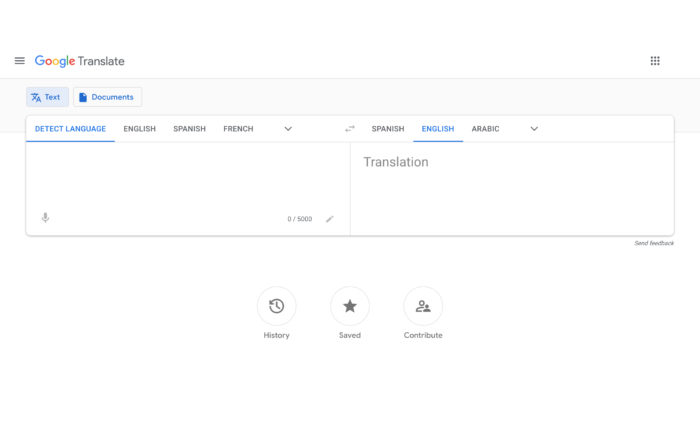
- First, you want to open Google Translates webpage, translate.google.com.
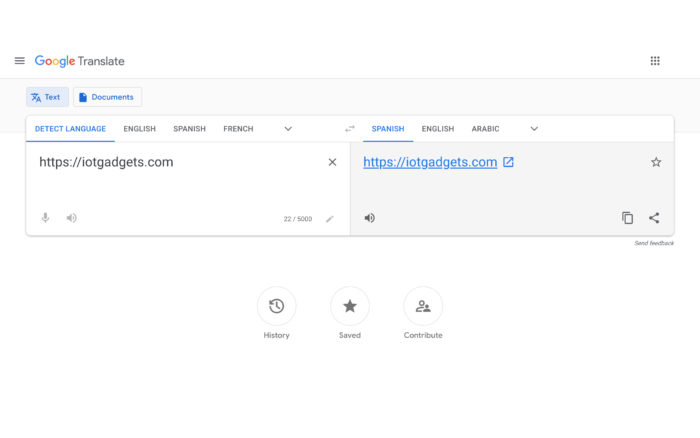
- In the text box on the left, you want to paste the URL of the site you want to translate (include the https://).
- On the right, choose the language you want the site to be translated into.
- You then want to click the pop-up icon
- The translated website will be opened in a new tab
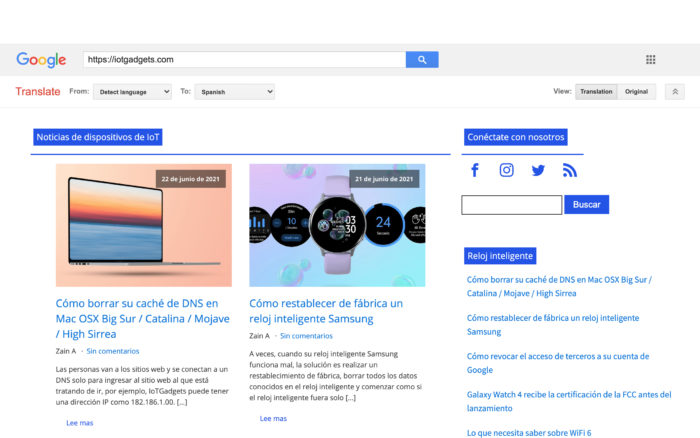
Some words and phrases may not be translated. For example, words in images will not be able to be translated. It is also good to note that Google Translate isn’t the most accurate of services, but at least it gets the job done.