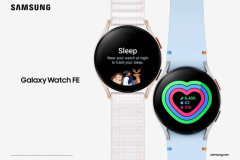
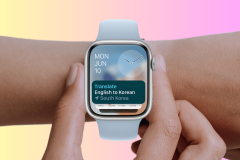
With the Samsung Gear 2 we were unable to take a screenshot (capture) of the Smart watches display, well not unless you knew some technical wizardry, but with the Samsung Gear S, it has Screenshot capability already built in !!!
How to
All you need to do is hold the ‘home’ button and swipe across the screen left to right (only), with the resulting image being saved and able to be seen in the gallery on the Gear S and also in your paired Samsung Smart Phone.
Video
Thanks to Robert Nawrowski and friend for the information and video. Your the Boss !!! (Private Joke)