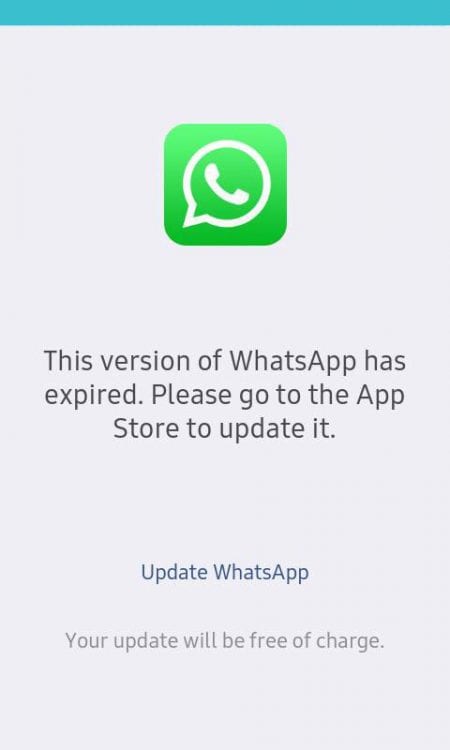
Recently a number of users have complained that they have been experiencing issues with WhatsApp, as it has been saying the version has expired. Unfortunately this is a bug but the good news is that a fix is being actively being worked on. Whilst we wait for a fix you can do a simple work around to keep you going:
Temporary workaround
- Go into -> Settings -> Date and time
- Change the system date to 12 Sep 2016
- Deactivate Autoset
We will let you know once an update is available. WhatsApp is the number one app in the Tizen Store, and it was launched on 14th january same time as Samsung Z1 with ACL technology.