Just like a lot of other games of today that boast a robust gear collecting system, there are times in Avowed when you want a consistent look that’s fashionable without sacrificing performance.
That’s where transmog comes in and Avowed utilizes a simple and accessible process that every player can take advantage of.
Here, we’ll take a look at how transmog works in Avowed so you can maintain the stats of your best gear while sporting the look you prefer.
How to use transmog in Avowed
As previously mentioned, transmog is thankfully a feature in Avowed that doesn’t require a PhD to use.
To start the process, open up your Inventory and look for the gear that you want to apply the transmog to.
When you find this, use right-click or LT depending on your input/platform and the appearance of the chosen item will be copied onto your currently equipped armor.
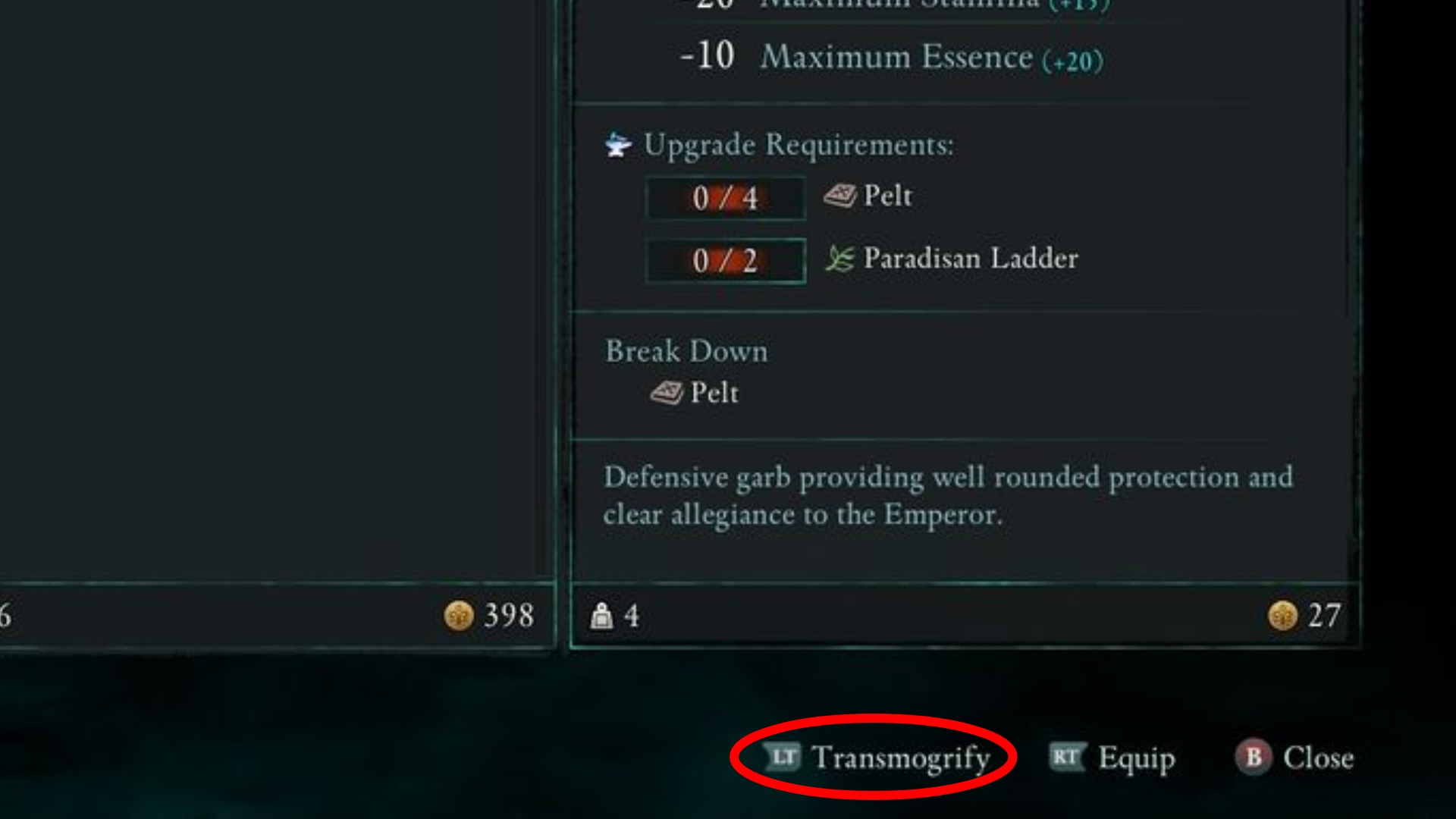
You’ll keep the original stats and bonuses of your gear while displaying the look of the transmogged piece.
Something to note here though is that only Armor, Clothing, and Boots can take advantage of the transmog system so if you were wanting to do the same to both weapons or accessories, you’re going to be a bit disappointed.
Additionally, you are required to have both pieces of gear in your Inventory — the one you want to wear for its stats and the one you want for its appearance.
This means that it will eat into your carry capacity, so keep that in mind before thinking about having multiple outfit changes in the back pocket.
How to remove transmog in Avowed
If you ever want to restore your armor’s original appearance, you can remove the transmog effect by using the same input of right-click/LT.
The eye icon next to the armor signifies that a transmog effect is applied so look out for that to ensure you’re trying to remove the effect on the right piece of gear.