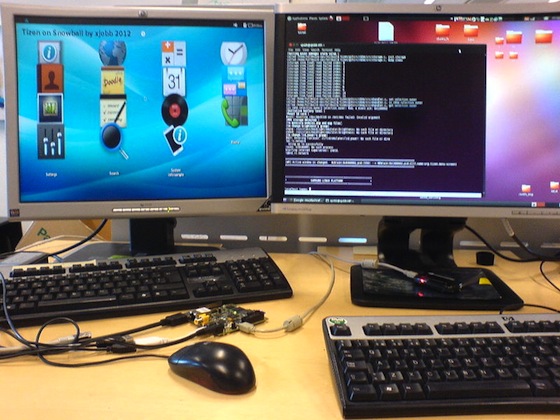
This is a contribution to the Igloo Community by two people going by the name xjobb. Tizen is made to run on the ST-Ericsson Snowball single board computer booting from the MicroSD memory card.
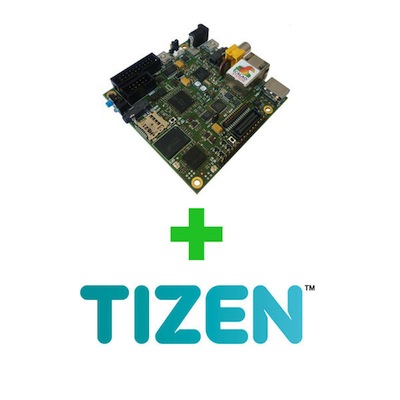
Image can be downloaded from:
http://www.igloocommunity.org/download/community/tizen/
Image to card:
Write the image to the card using the dd command (using the appropriate path):
dd if=tizen_snowball.img of=/dev/sdc
Features and limitations:
- Tested on Snowball SDK
- Runs from Micro SD memory card
- Mouse and keyboard support
- No hardware acceleration supported yet
- Working network
- Kernel configured for Tizen
Network setup instructions:
To log in to the Samsung Linux Platform from Minicom use the password: root
To enable the network. Use these commands in Minicom:
Example:
ifconfig eth0 10.42.43.10 netmask 255.255.255.0 up
route add default gw 10.42.43.1 dev eth0
Source igloocommunity